

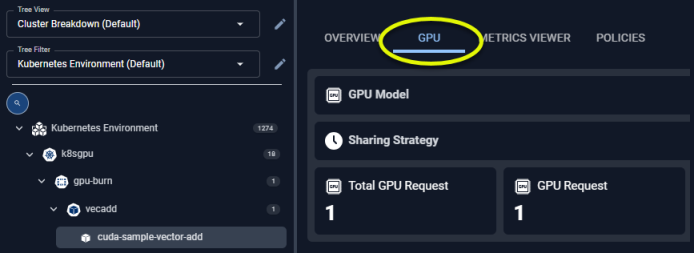
Figure: Locating the GPU Tab
GPU Summary
This card summarizes the GPU allocation and for the selected container. This card is only displayed if the GPU resources have been allocated to this container. A hyperlink at the bottom of the card takes you to the GPU page.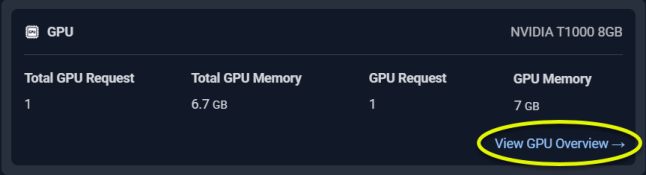
Figure: GPU Summary
Utilization Charts
The last section provides utilization charts that show hourly min/max and sustained activity for the selected container. See Analysis Details Utilization Charts for details on using these charts to review workload data.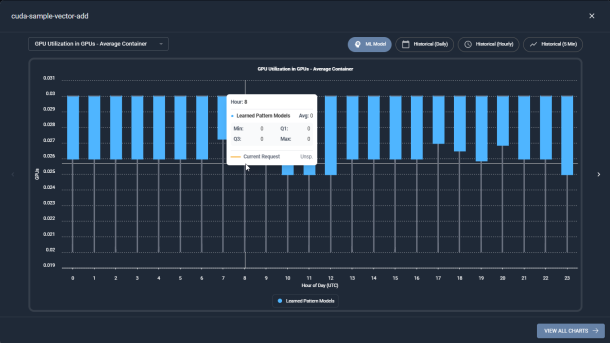
Figure: GPU Utilization Chart - Modal View
|
|