
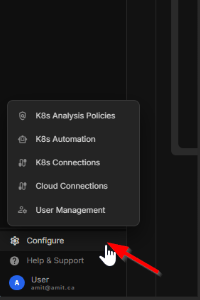
The Configure menu provides access to the settings that control Kubex analysis, automation, connections, and user access.

K8s Analysis Policies

Manage the policies Kubex uses to evaluate Kubernetes workloads and generate optimization recommendations. Policies define how resource usage and performance data are interpreted for analysis. See K8s Policy

K8s Automation

Configure Kubex Automation settings for applying approved optimization recommendations to Kubernetes workloads. Use this area to manage the automation behavior and controls used by your environment.
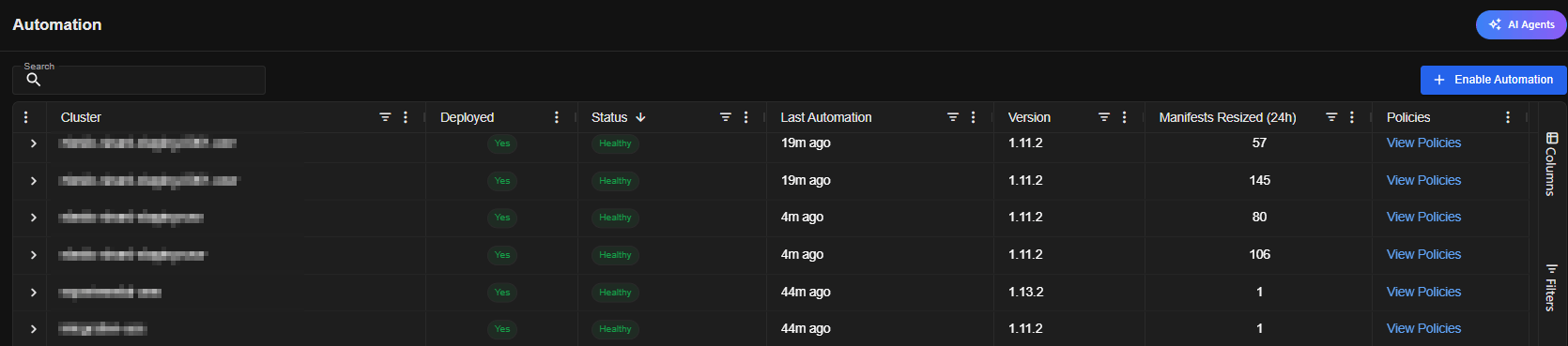
Figure: Configure Menu

K8s Connections

Add and manage connections to the Kubernetes clusters that Kubex collects data from and optimizes. Connection settings determine how Kubex accesses each Kubernetes environment. See K8s Connection

Cloud Connections

Add and manage public cloud connections used by Kubex to collect infrastructure information and calculate cloud resource costs. These connections support optimization across the cloud resources associated with your Kubernetes environment. See Cloud Connection

User Management

Manage Kubex users and their access to the application. Use User Management to control who can view information and perform configuration or administrative tasks. See User Management for how to manage users and roles.